Artwork Guidelines
Send It Right - Get the Best Result
Good artwork is the starting point for a clean, professional result. These artwork guidelines explain how to prepare your logo or design for printing and embroidery before placing your order.
At W18 Workwear, every uploaded file is reviewed before production. If we spot an issue with image quality, small details or file suitability, we’ll contact you before proceeding and discuss the best available option.
🖨️ DTF PRINT ARTWORK GUIDELINES
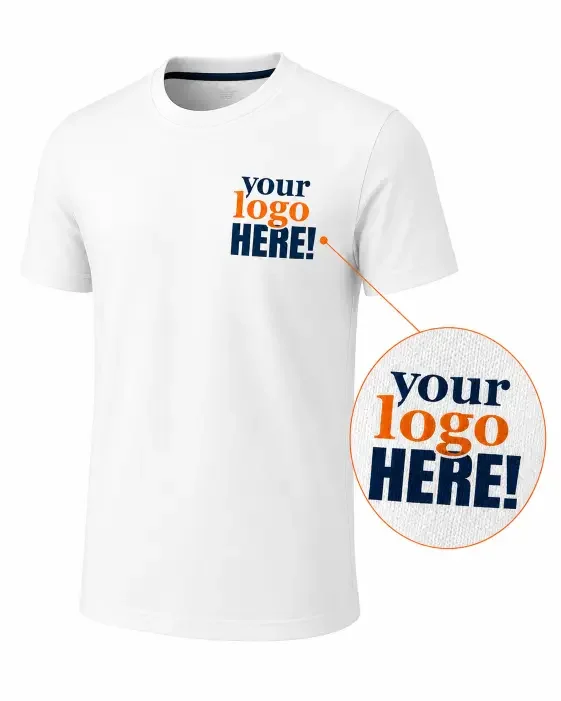
For DTF printing, we recommend vector artwork whenever possible, such as AI, EPS, SVG or vector PDF. Vector files can be scaled without losing quality, making them ideal for sharp logos, text and detailed graphics.
We can also work with raster files such as PNG, JPG, TIFF and PSD. For raster artwork, image quality and resolution are important, especially when the design needs to be printed at a larger size.
Print artwork checklist:
- vector artwork preferred where available
- raster files should ideally be 300 DPI at the required print size
- maximum file size: 50 MB
- transparent background preferred where appropriate
- clear, sharp edges with no visible pixelation
- full-colour designs and gradients are supported
If your artwork is too small, low resolution or unsuitable for the requested print size, we’ll contact you before production to discuss the available options.
You’ll see a live design preview while ordering. Please remember that on-screen colours may vary slightly depending on your monitor or device settings.
🪡 EMBROIDERY ARTWORK GUIDELINES
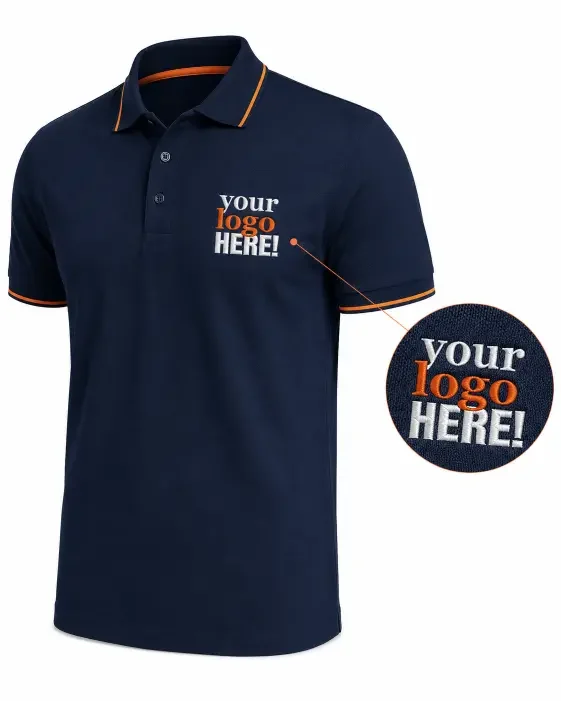
For embroidery, you do not need to supply a specialist embroidery file. Upload your logo or artwork in the best quality available and our team will prepare it for stitching through the digitising process.
Vector files such as AI, EPS, SVG or vector PDF are ideal, but we can also work with good-quality raster files such as PNG, JPG, TIFF or PSD.
Embroidery has different requirements from printing. Very small text, thin lines or fine details may need to be adjusted so they reproduce clearly in thread. If we identify anything that may affect the result, we’ll contact you before production.
Embroidery artwork checklist:
- vector artwork preferred where available
- raster artwork should be clear and high quality
- avoid blurry, pixelated images or screenshots
- small text and fine details should be clearly visible
- maximum file size: 50 MB
- thread colours are matched as closely as practical to your supplied artwork
For embroidered logos, including large embroidered logos, we email a digital proof for approval before embroidery production begins. A separate proof is optional for embroidered text.
Please note that colours shown on screen may differ slightly from the actual thread shades used.
💬 Extra Tips
You can add notes or special requests during checkout, for example preferred thread colours, print positioning or other important instructions for your order.
If your artwork is too low quality, unclear or unsuitable for the requested personalisation, we’ll contact you before production to discuss the best available option.
Returning embroidery customer? Select your existing approved logo when adding your customisation.
There is no additional embroidery setup fee when reusing the same logo at the same size. Check the design, size and position before adding the garment to your basket.
✅ ARTWORK GUIDELINES: QUICK CHECKLIST BEFORE YOU UPLOAD
Before uploading your artwork, use this quick checklist to help avoid delays and make sure we have the best file to work with.
- use the highest-quality artwork available
- vector files are preferred where possible
- raster files should be clear and high resolution
- maximum file size: 50 MB
- avoid screenshots or visibly pixelated images
- transparent background preferred for print where appropriate
- add any important notes or special requests before ordering
Artwork Positioning & On-Screen Previews
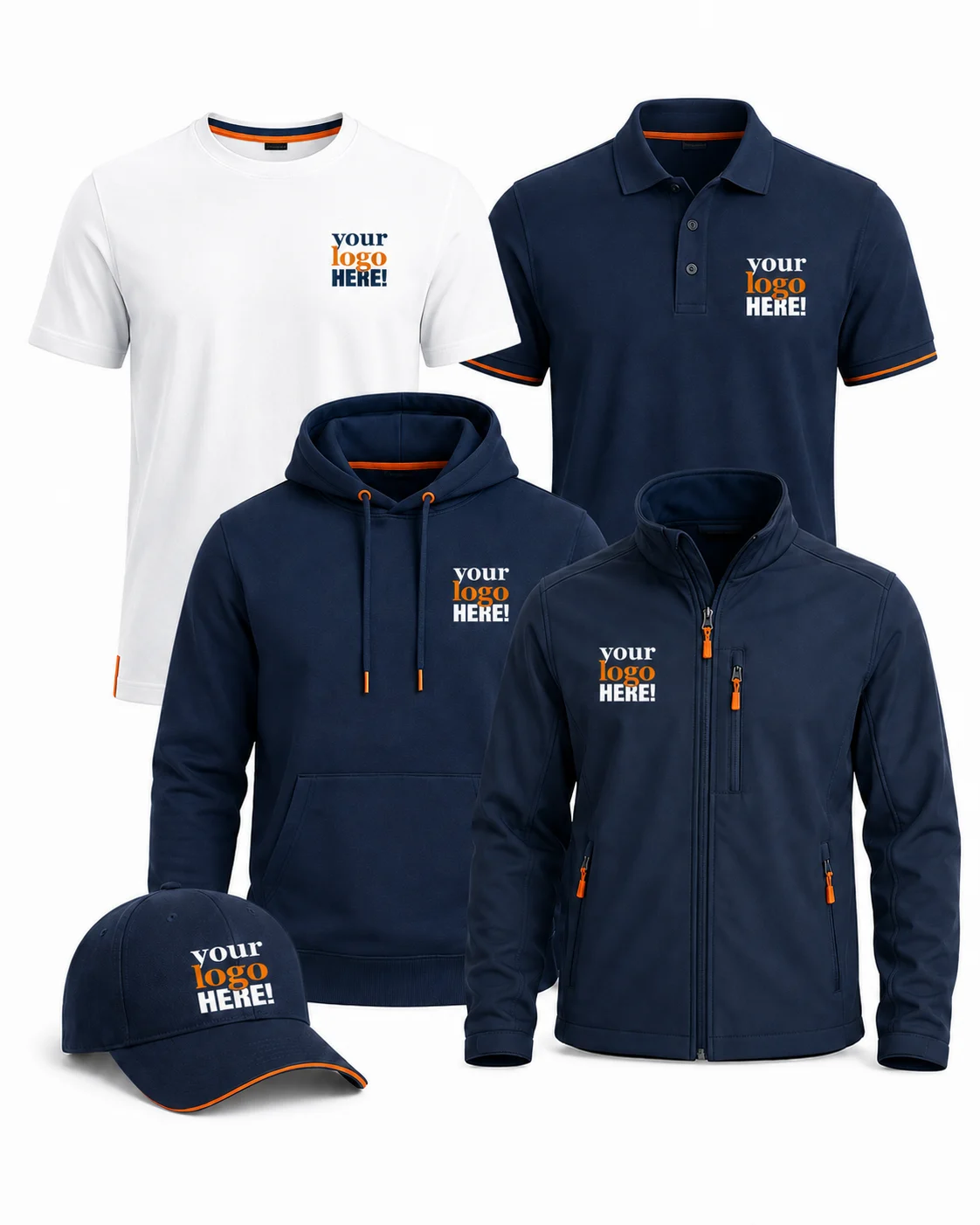
Any on-screen preview shown during the ordering process is for guidance only and should not be treated as an exact production proof.
Final logo or text positioning follows our standard production guidelines and may vary depending on the garment type, size and customisation method.
Please note:
- print size and positioning may vary slightly between garment sizes
- embroidery placement may be adjusted to suit garment construction
- minor differences can occur because garments are not identical in shape or fit
- these variations are normal and help us achieve the best visual balance
If you have a specific positioning request, add it in the order notes and we’ll take it into account where possible.
📎 Related Pages
- Price Guide → Check current customisation prices, setup fees and quantity-based pricing.
- Embroidery → Learn how we prepare and produce stitched logo branding.
- Print → Explore our DTF and sublimation printing options for branded clothing and products.
- The Order Process → See how we handle your order from start to finish.
❓ Common Questions About Artwork
Do I need to prepare my logo in embroidery format?
No. You can upload your logo or artwork in the best quality available and our team will prepare it for embroidery through the digitising process. Vector artwork is preferred where available, but good-quality raster files can also be used.
Can I use the same logo again later?
Yes. If we already hold your approved embroidery file and you reuse the same logo at the same size, there is no additional embroidery setup fee. A new setup may be required if the artwork or embroidery size changes.
What if my file isn’t high quality?
If your artwork is too small, unclear, pixelated or unsuitable for the requested print or embroidery size, we’ll contact you before production. Depending on the file, we may recommend a better version, artwork adjustment or redraw before proceeding.